GFM Markdown
Standard GitHub syntax for tables, task lists, strikethrough, autolinks, nested lists, and more.
First-class Japanese typesetting. GFM, math, code highlighting, BibTeX, and cover pages — rendered by Vivliostyle and Chromium.
npx @pfnet-research/pfpdf@latest --input document.md --output document.pdfNo installation step needed — npx fetches and runs pfpdf directly.
---
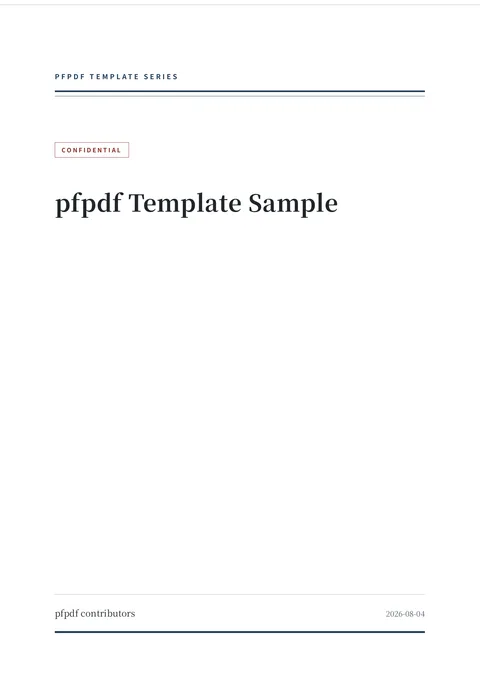
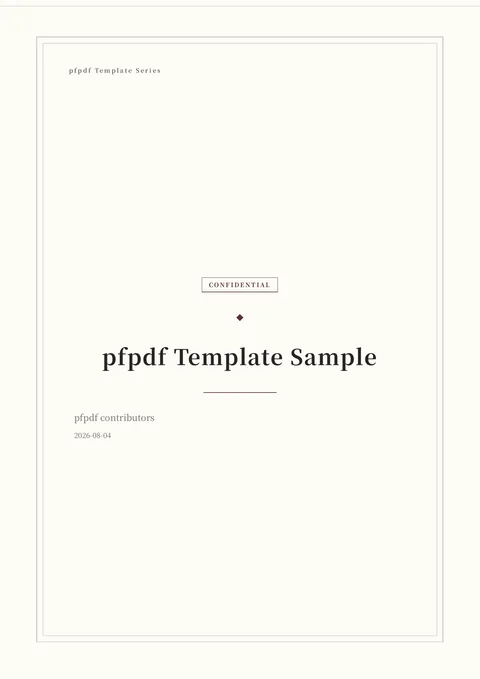
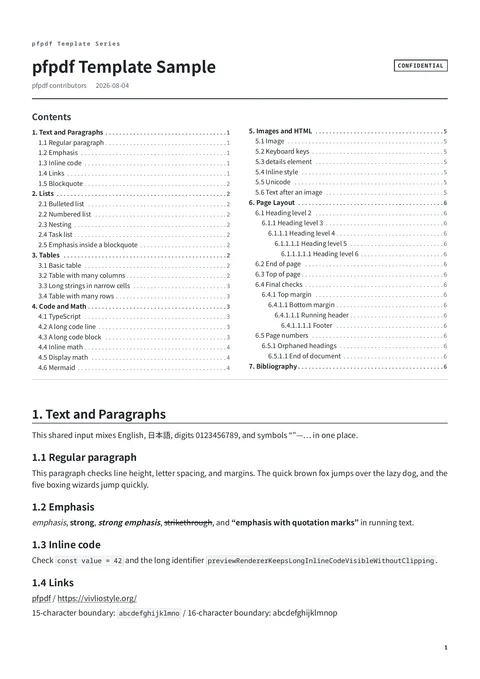
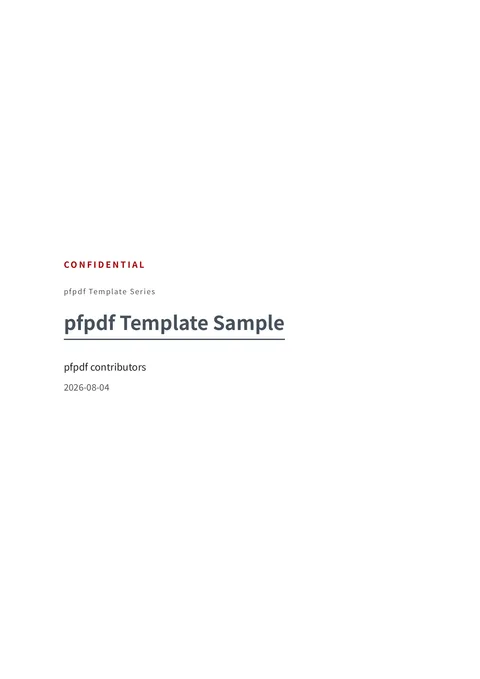
title: pfpdf Template Sample
author: pfpdf contributors
date: 2026-08-04
lang: en
---

# 1. Text and Paragraphs

**Strong** and *emphasis*.

Math: $e^{i\pi}+1=0$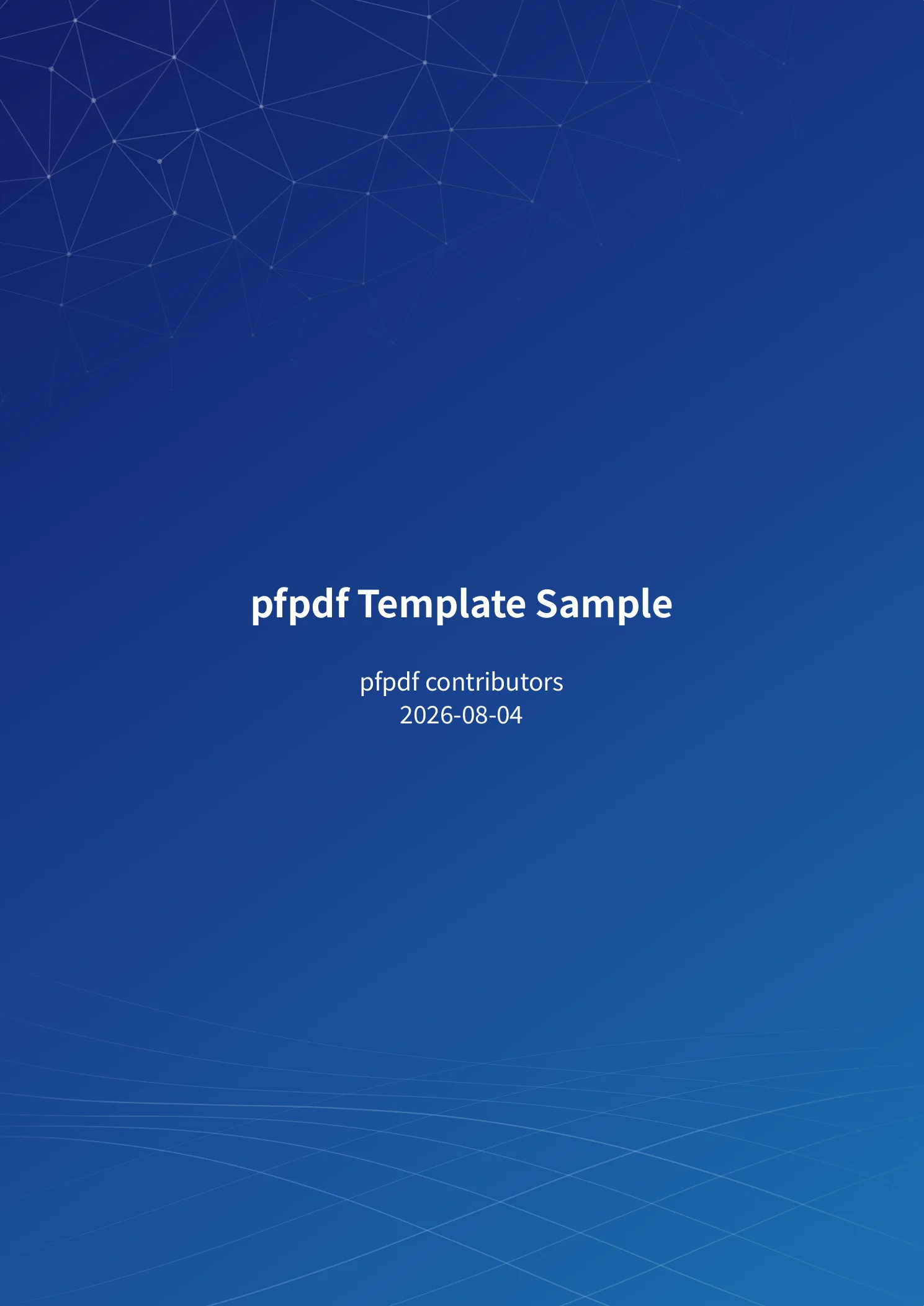
Standard GitHub syntax for tables, task lists, strikethrough, autolinks, nested lists, and more.
`これは**「重要」**です` renders as strong emphasis even next to full-width punctuation.
Inline and display math plus fenced code blocks work out of the box with bundled assets.
Point front matter at .bib files and use \cite{key} for numbered citations and a reference list.
From academic to technical. Logos are never bundled — inject yours with --logo PATH.
No dependency on OS fonts by default; host fonts are an explicit opt-in.
Uses the bundled Vivliostyle CLI and its standard browser management, with an optional explicit browser path.
PDF generation is verified with a real browser on macOS, Linux, and Windows.
A plain .md file with optional front matter for title, author, and template settings.
No install needed. Pass a directory to combine its Markdown files into a single PDF.
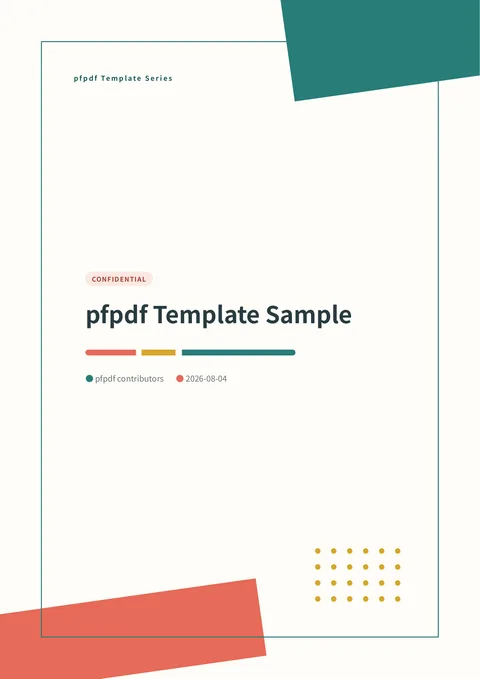
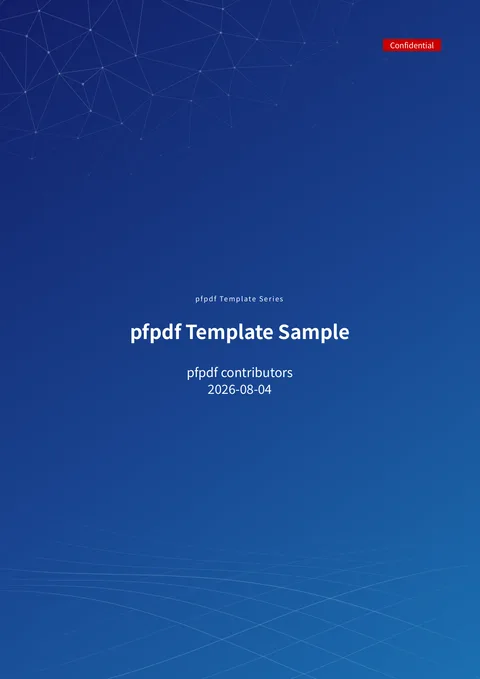
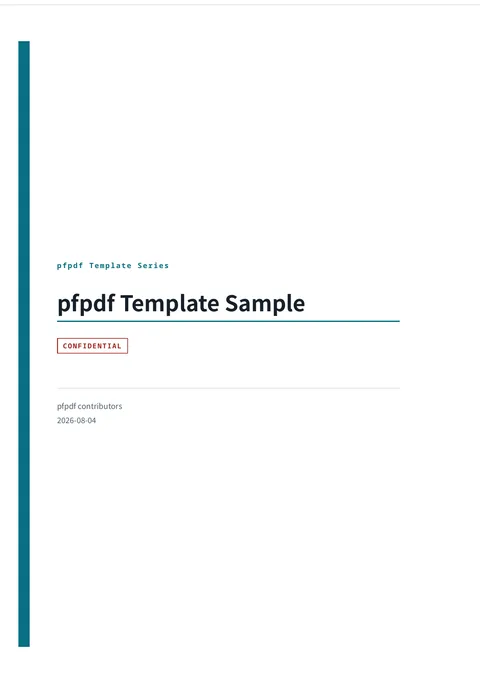
Cover page, table of contents, page numbers, and typeset body — ready to print or share.
Convert a directory of chapters at once, and pin the version in CI:
npx @pfnet-research/pfpdf@latest --input docs --output docs.pdf
npx --yes @pfnet-research/pfpdf@0.1.0 --input docs --output docs.pdf
First run: pfpdf downloads Chromium for rendering (several hundred MB). Later runs use the cached browser and work offline for built-in features.